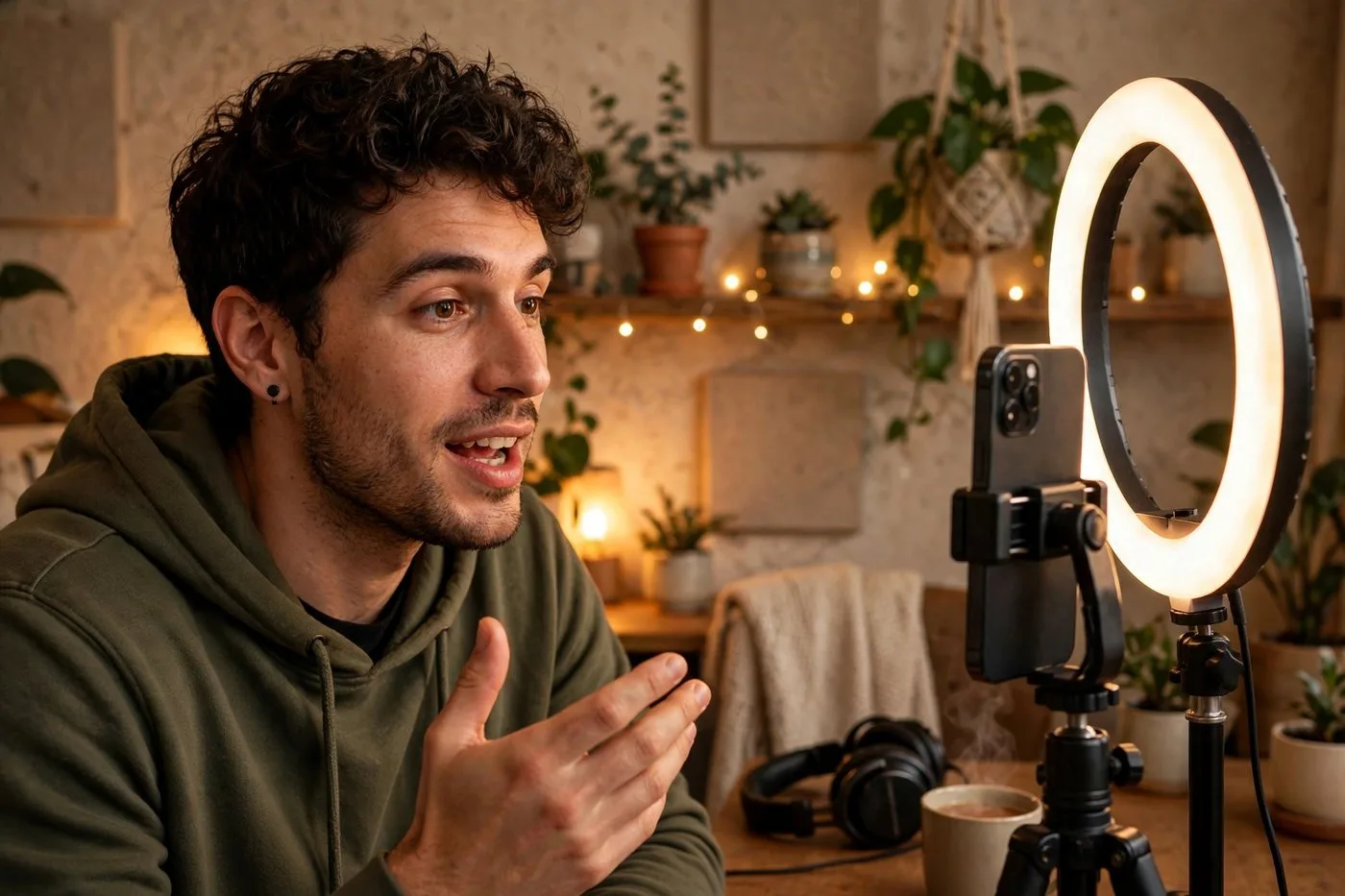
I ran a webinar last spring that I was genuinely proud of. Ninety minutes, packed with the best stuff I knew, great questions at the end. Two hundred people showed up live. And then the recording went onto my hard drive, where it sat for six months doing absolutely nothing.
That bothered me more than I admitted at the time. I'd spent two weeks preparing, and the whole thing had the shelf life of one afternoon.
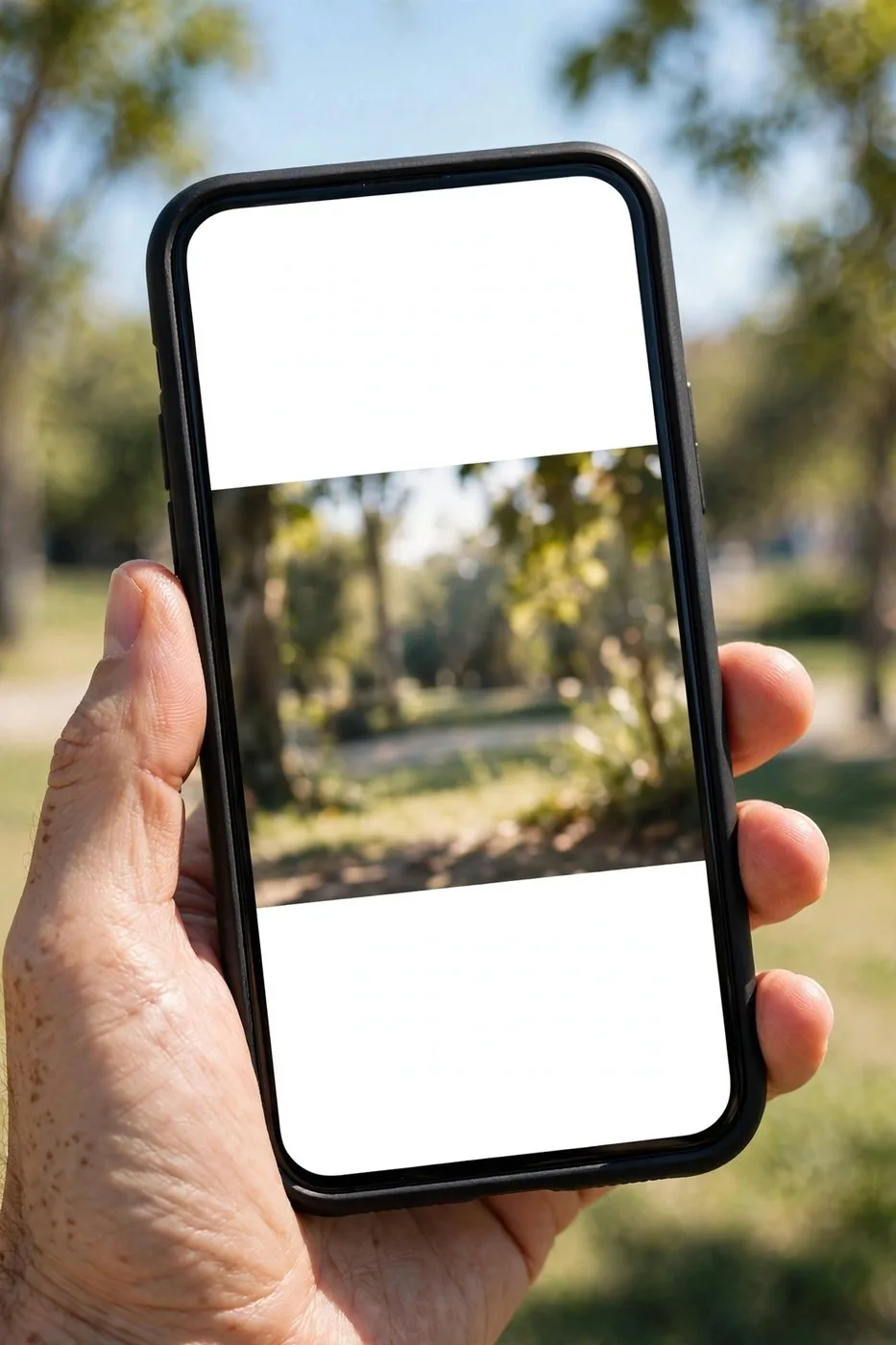
So one slow Friday I finally did the obvious thing: my first webinar to short video experiment. One forty-second tip, captioned and cropped vertical, outperformed the entire live event within a week. Not because the webinar was bad. Because nobody saw the webinar. Everybody sees short clips.
If you've ever run a webinar, you already own weeks of content. You just haven't cut it up yet. Here's exactly how I handle the webinar to short video conversion now, start to finish.
Your webinar is a content goldmine (you just can't see it)
Think about what a webinar actually is: you, teaching your best material, for an hour, with real examples and real questions from real people. Marketers pay good money for that kind of content. And most of us let it rot in a folder called "final_FINAL_v3".
A single sixty-minute webinar contains ten to fifteen standalone lessons. Each one is a short clip waiting to happen: the framework you explained, the story that landed, the question you answered perfectly, the demo that made everyone go quiet.
The beautiful part? Webinar content is evergreen in a way stream highlights aren't. A great teaching moment from six months ago is still a great teaching moment today. I have clips from a webinar I ran last year that still bring in profile visits every single week.
So the job isn't creating. It's excavating. Let's dig.
Step 1: Watch at 2x and timestamp the teachable moments
Don't rewatch the whole thing at normal speed. You'll fall asleep during your own webinar, and honestly, same.
Play it at double speed and keep a notes file open. You're hunting for five types of moments: a clear tip or tactic, a framework or mental model, a story with a lesson, a great audience question with your answer, and any moment where you said something quotable.
Timestamp everything, even the maybes. "23:40, pricing story, maybe." You can always cut later. What you can't do is remember where things were three weeks from now.
My rule of thumb: if you had to choose one thirty-second chunk to prove the webinar was worth attending, which chunk would it be? Mark ten to fifteen of those and you've got your clip list.
This pass takes about thirty-five minutes for a sixty-minute webinar at 2x. Pour coffee. It's the only boring part of the whole process.

Step 2: Let AI do the cutting
Here's where it gets fast. Feed the webinar recording to an AI clip tool and let it find the high-energy segments: the parts where you sped up, where the audience reacted, where a Q&A answer landed.
Webinars are actually easier for AI than streams or podcasts, because the structure is so clear. Teaching has natural peaks. The AI finds them reliably.
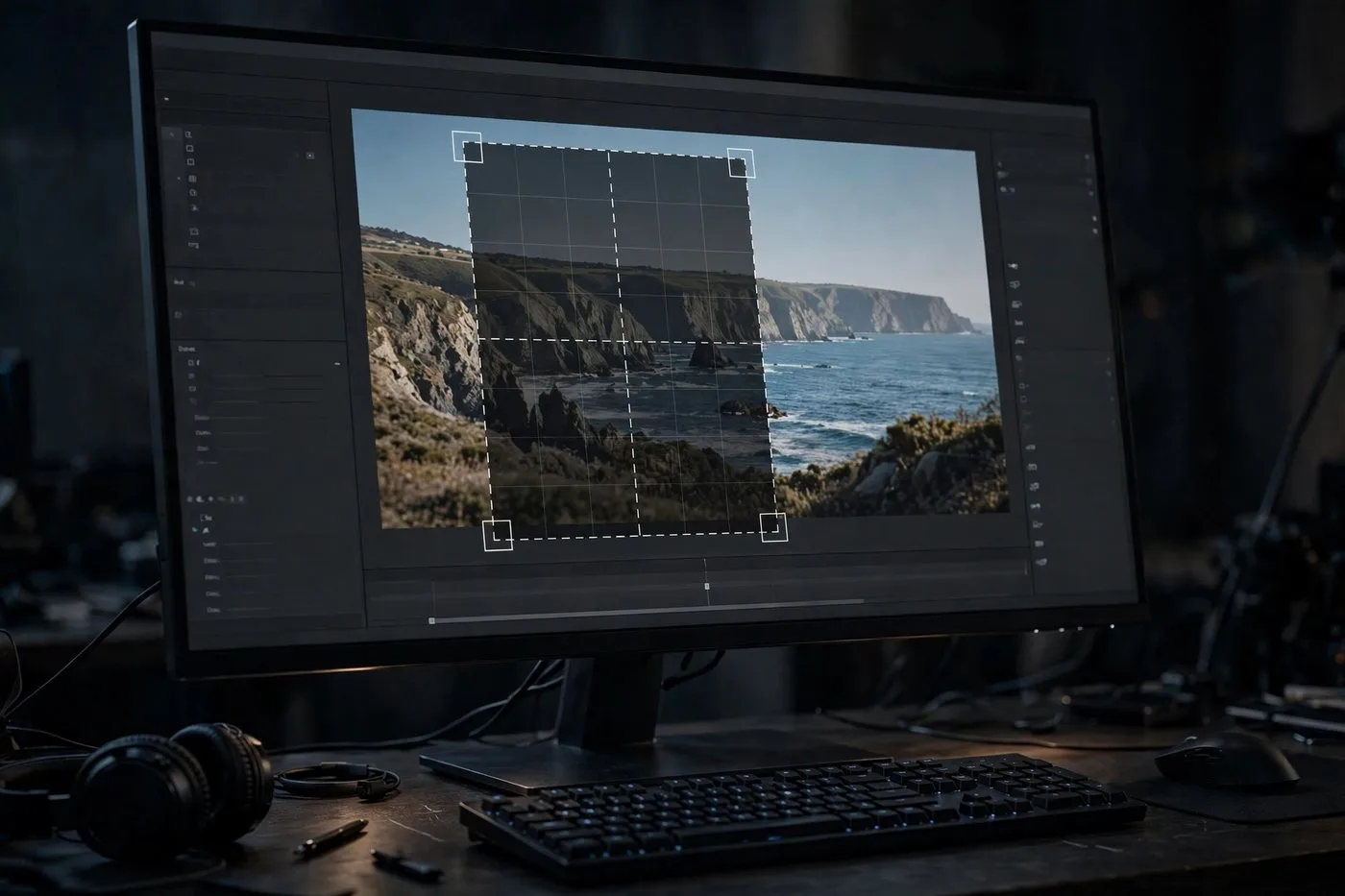
Two things to watch for in the AI drafts. First, slide-heavy sections: the AI sometimes picks a great audio moment where the visual is a boring bullet slide. That's fine for LinkedIn, less fine for TikTok. Swap in a zoomed crop of the key diagram, or your facecam if you had one. Second, the AI occasionally clips mid-framework, starting at step three of a five-step process. Either extend the clip or pick a moment that's self-contained.
As always: AI output is the rough cut. You bring the judgment. Ten minutes of review per batch, tops.

Step 3: Add the context your clips are missing
This is the step everyone skips, and it's the difference between webinar clips that flop and ones that fly.
Your webinar assumed attendance. The audience knew the topic, knew you, knew what came before. A stranger scrolling LinkedIn knows none of that. So every clip needs about five seconds of setup baked in.
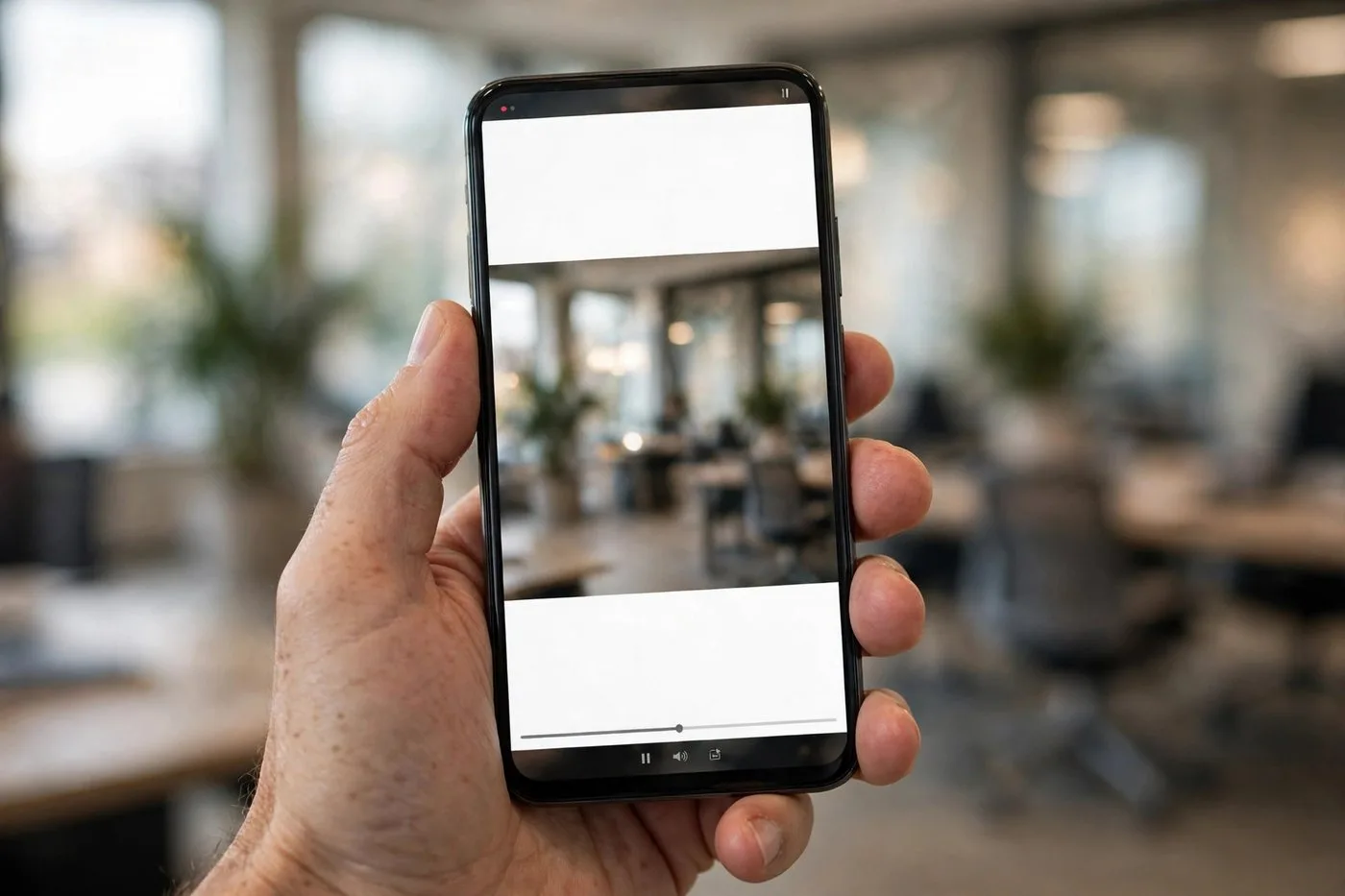
Simplest fix: a text hook on the first frame. "The pricing mistake that cost me $20k." Now the viewer has context and curiosity in one line. Or record a quick ten-second intro on your phone: "In last week's webinar, someone asked me about pricing, and here's what I told them." That little bridge turns an excerpt into a story.
Without this, webinar clips feel like walking into a movie halfway through. With it, they feel like the trailer. That's the webinar to short video mindset in one sentence: be the trailer.
Step 4: Clean captions, cut the filler
Webinar speech is messy. Ums, long pauses while you find the right slide, "can everyone see my screen?" None of that survives the cut.
Be ruthless with filler. A forty-five-second clip should contain forty-five seconds of value. Every "um" you leave in is a tiny invitation to scroll away.
Captions are mandatory, and for webinar clips they matter even more than usual, because half your audience will watch on LinkedIn at work with the sound off. Bold, readable, perfectly synced. If your tool auto-generates them, do one proofread pass. AI captions turn industry terms into comedy, and "SEO" becoming "see you" in a marketing clip is funny exactly once.
Also: burn the captions in or use platform captions, but don't do both. Doubled captions look sloppy, and sloppy kills trust, especially for educational content.
Mistakes I made (so you don't have to)
Posting ten-minute chunks and calling them clips. A ten-minute video is not a short clip. It's a webinar with commitment issues.
Skipping the context step. My first batch of clips made perfect sense to attendees and zero sense to everyone else. Guess which group was bigger.
Forgetting the call to action. Every clip should point somewhere: the full replay, your newsletter, your profile. A clip with nowhere to go is a dead end.
Using the webinar title as the clip title. "Q3 Marketing Webinar" tells a scroller nothing. "The pricing mistake that cost me $20k" tells them everything.
Sitting on the recording for six months. The best time to clip a webinar is the week after you run it, while it's fresh and you still remember the good parts.
Where to post webinar clips
LinkedIn is the obvious home, and it's where my webinar clips perform best by a mile. Native video, a hook in the first line of the post text, three to five relevant hashtags. The professional audience is already there and already in learning mode.
YouTube Shorts is second. Same clips, slightly punchier titles. The search traffic is the bonus: people searching for your topic find your clip months later.
Instagram Reels and TikTok work too, but adjust the tone. Webinar content can feel stiff next to dance trends, so lean into the most contrarian or surprising moments for those platforms. The "hot take" clips travel furthest.
Post two to three per week per platform. One webinar becomes a month of content without breaking a sweat, and the webinar to short video engine just keeps running.
The full workflow, start to finish
Here's my actual routine for a sixty-minute webinar:
- Watch at 2x, timestamp the teachable moments, about thirty-five minutes.
- Run the marked sections through the AI clipper, review the drafts, keep the best twelve, about twenty minutes.
- Add context hooks to each clip, five seconds of setup per clip, about fifteen minutes.
- Proofread captions, cut filler, about fifteen minutes.
- Schedule two to three per week across LinkedIn and Shorts.
Total hands-on time: under two hours. Output: a month of content from one webinar. The webinar to short video pipeline is the highest-ROI content habit I have, because the teaching was already done. I'm just finally letting people see it.
Try Klipya Free
Upload your last webinar and walk away with weeks of short clips.
Repurpose Your Webinar Free →