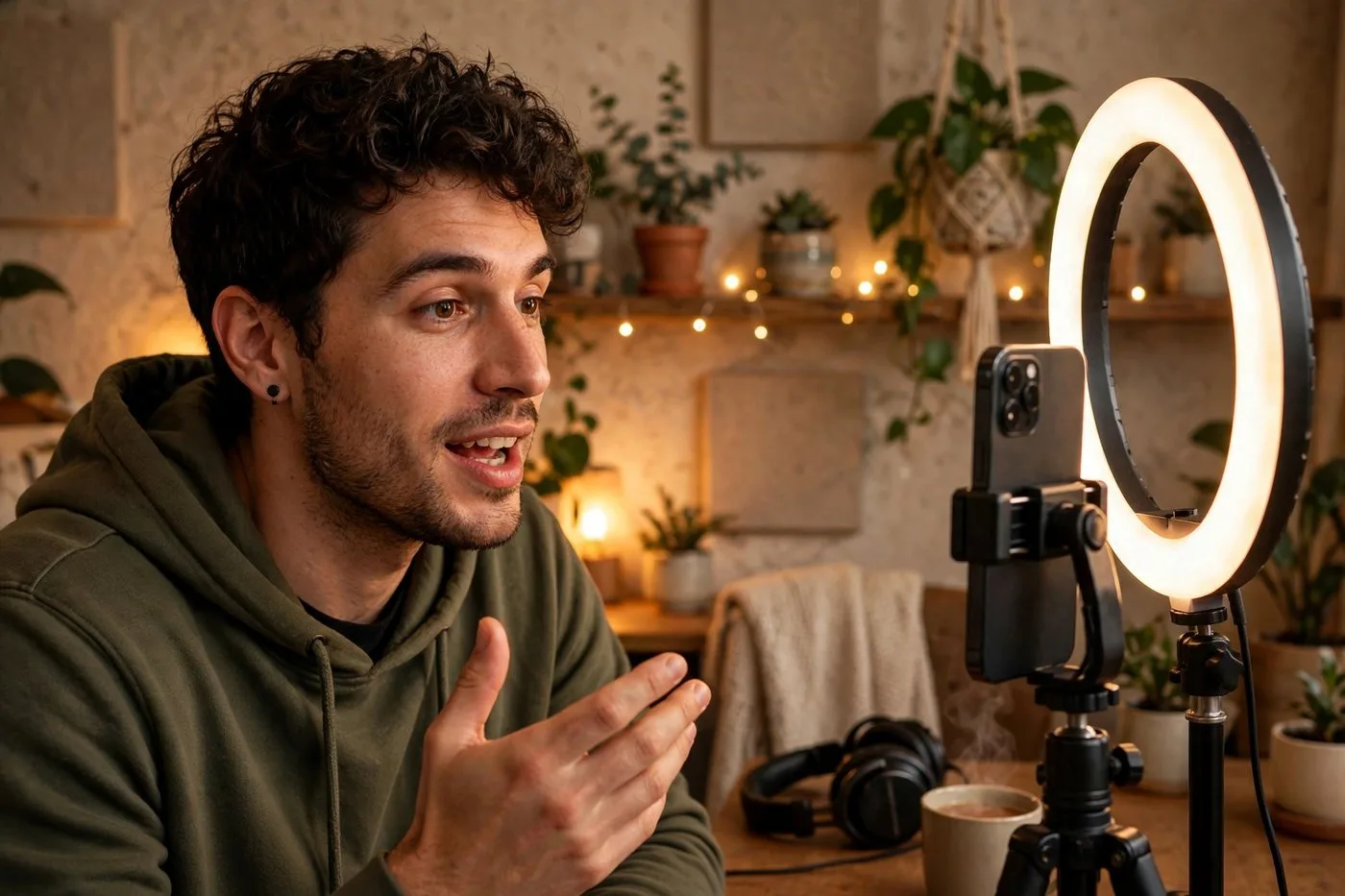
I burned out on content creation twice. The second time, I stared at my camera for twenty minutes, recorded absolutely nothing, and quietly closed the laptop. That weekend I rebuilt everything around a single idea: if I learned how to repurpose video content properly, one recording day could carry an entire month.
It worked embarrassingly well. Now I record one long video a week, and it becomes the Shorts, Reels, and TikToks that fill my calendar for thirty days. Total filming time: about two hours a month. The treadmill stopped.
Here is the exact system: how I record, how I extract, how I adapt per platform, and how the 30-day calendar fills itself.
The core idea: pillars, not posts
Stop thinking in posts. Start thinking in pillars. A pillar is one long video, thirty to ninety minutes, where you talk about something you actually know. Every short clip, every post, every idea for the next month comes out of that pillar.
The math is what sold me. One 60-minute conversation contains, conservatively, eight to twelve self-contained moments worth clipping. That is two to three weeks of short-form content from a single recording session. Most creators do the reverse: they film twelve separate short videos, which takes twelve times the setup, twelve times the energy, and twelve times the chances to procrastinate.
And here is the part nobody talks about: pillar content is better content. When you are relaxed and talking long-form, you say interesting things. When you are filming your fourteenth scripted short of the day, you say tired things. The ability to repurpose video content well is not just efficient. It produces higher quality.
Think of it as the opposite of content debt. Most creators live post-to-post, which means every day starts at zero with the pressure on. The pillar system means you start every week with a surplus. That psychological difference is hard to overstate. Creating from surplus feels like play. Creating from zero feels like panic.
Step 1: Record with repurposing in mind
The system starts before you hit record. I plan my long videos as a string of three-to-five-minute modules, each one a complete mini-topic. That way extraction later is clean cuts, not surgery.
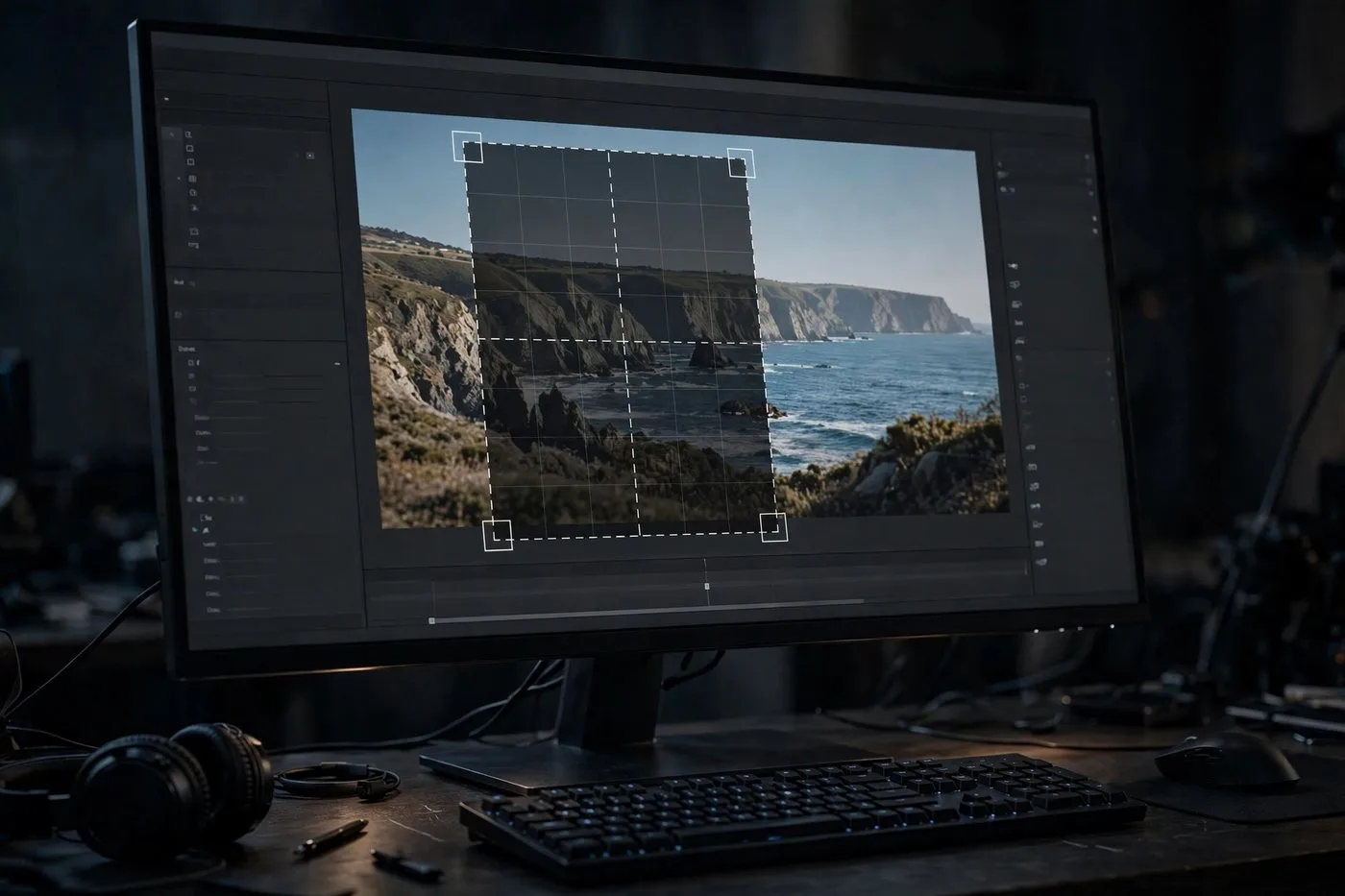
Two practical habits. First, timestamp as you go. A phone note with '14:20, story about first client' takes five seconds and saves an hour later. Second, frame vertical-safe: keep your face centered with headroom, so the 9:16 crop never cuts your forehead off. I ruined a whole batch of clips before learning that one.
You do not need fancy gear for this. A decent mic matters more than a camera. People forgive 720p. They do not forgive audio that sounds like a phone call from 2009.
Step 2: The extraction session
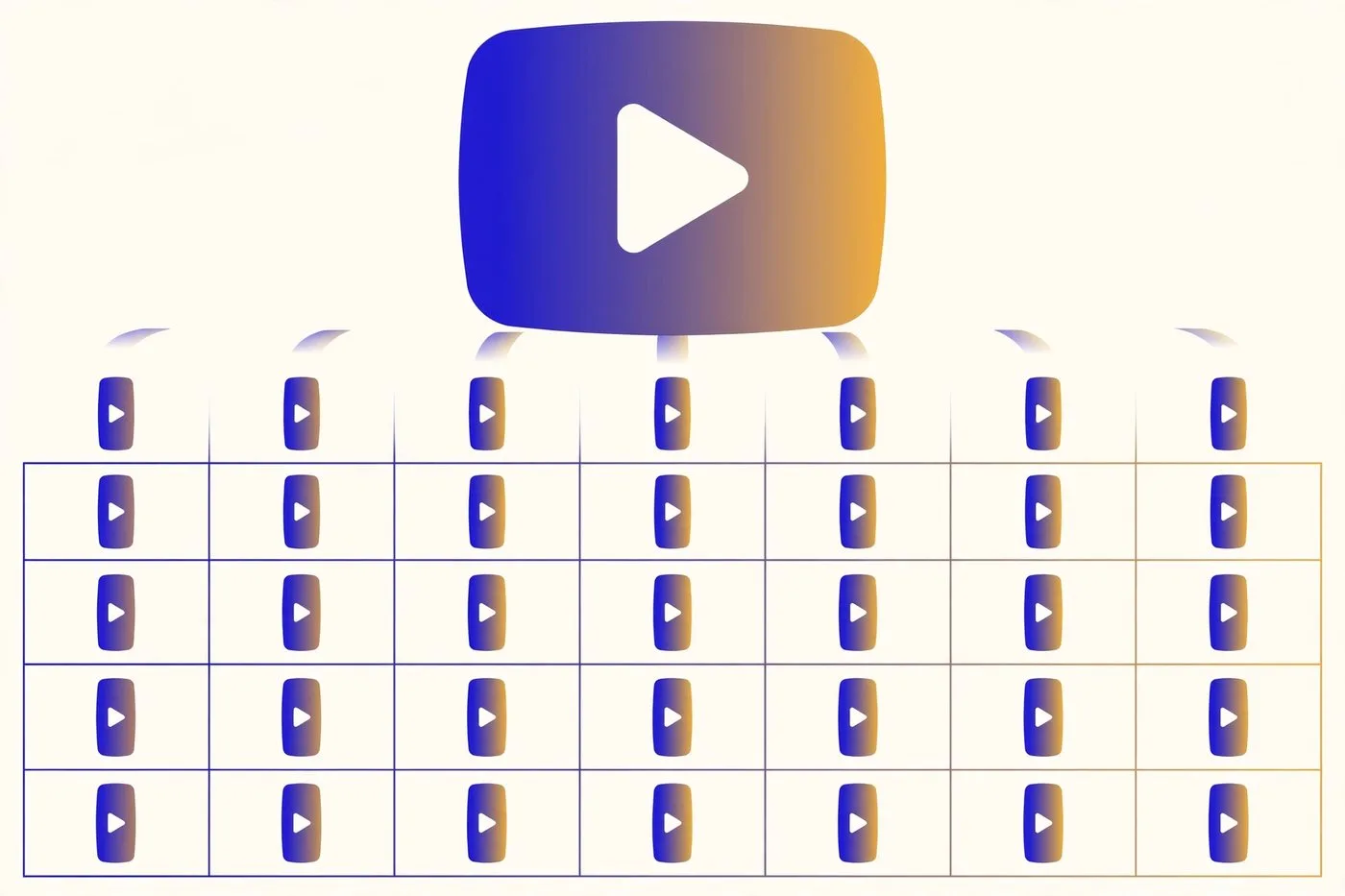
Once a week, I sit down for one focused hour and turn the pillar into clips. I upload the long video to my AI clipper, which finds the high-energy moments and drafts vertical cuts with captions. Then I do a single review pass: trim edges, kill the weak ones, keep the best eight to ten. You can use the dedicated long video to short video tool to streamline the cuts.
My rule for keeping versus killing: would a stranger enjoy this with zero context? If yes, it stays. If it needs the rest of the episode to make sense, it goes. This one filter improved my average views more than any editing trick I have ever tried.
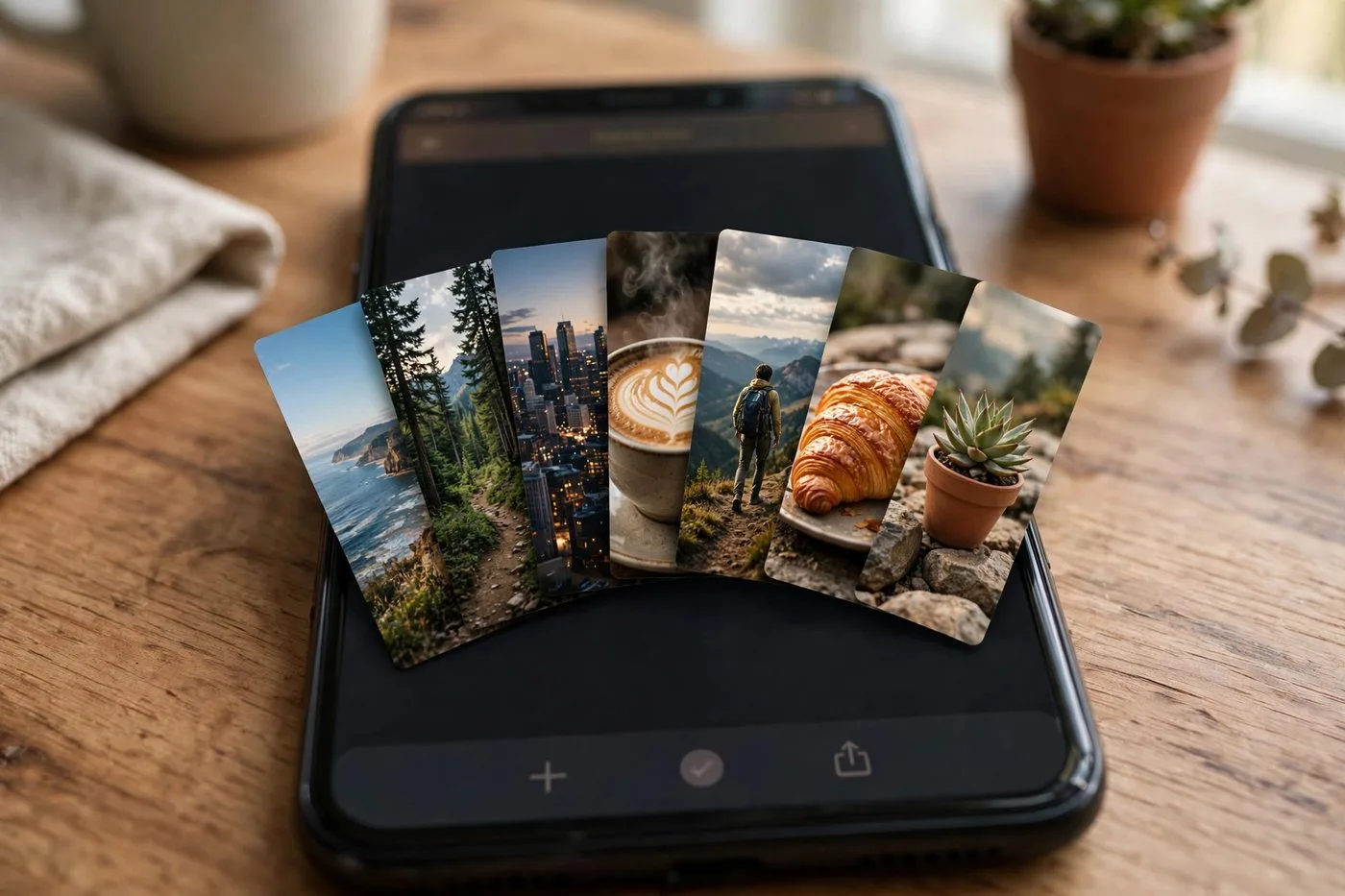
By the end of the hour I have eight to ten finished clips sitting in a folder I call the clip bank. That folder is the entire engine of the next thirty days.
Name your clip files properly or future you will hate present you. My format is simple: topic, platform-agnostic, numbered. 'client-story-zoom-01.mp4' tells me everything in one glance. A folder of 'final-v2-FINAL.mp4' files is where repurposing systems go to die.
Step 3: Adapt each clip per platform
Same clip, three platforms, three tiny tweaks. I export one clean master with no watermark, then adjust the hook caption and first comment per platform. TikTok gets the casual version, Reels gets a question to drive comments, Shorts gets a search-friendly title.
This is also where I rescue clips that underperform. A clip that flops on TikTok sometimes takes off on Shorts two months later, because Shorts surfaces old content through search. Nothing is wasted. Everything gets at least one shot everywhere.
Total adaptation time per clip: about five minutes. Once you can repurpose video content systematically, you are never creating from zero. You are just customizing, and customizing is fast.

Pro tip:
Keep a running 'clip bank' folder and never let it drop below ten finished clips. The day your bank hits zero is the day the treadmill starts again. Bank first, calendar second.
Step 4: Fill the 30-day calendar
Here is the actual calendar math. Eight clips per week, posted three to five times a week across platforms, scheduled in one batch every Sunday night. One pillar video per week keeps the bank full with surplus. For optimal posting cadences, see my analysis on how many Shorts per day to post.
I schedule everything in one sitting because context-switching is where content plans die. Sunday night, thirty minutes, the whole week is queued. Then I do not think about posting until next Sunday. That boundary is the whole reason this system survived longer than every routine I tried before it.
Leave gaps on purpose. Two or three unscheduled days a month give you room for timely posts, trends, or just rest. A calendar packed to 100% breaks the first time life happens. Mine runs at about 80%, and it has survived six months without a missed week.
Once a month, spend twenty minutes looking at which clips actually performed. Not to obsess, just to notice patterns. I discovered my story-driven clips outperform my tip clips two-to-one, so now my pillar recordings lean heavier on stories. The calendar fills itself, but the numbers tell it what to fill itself with.
What I stopped doing
Daily filming. Gone. It was the burnout engine, and the content was worse for it.
Platform-exclusive content. If a clip is good, it goes everywhere. Making special versions per platform was a time sink with no measurable payoff in my numbers.
Perfectionism on clips three through ten. The first two clips of a batch get my full care. The rest get the checklist and ship. Done beats perfect, because the algorithm needs volume to find your winners, and you cannot predict which clip pops. That is the whole point of learning to repurpose video content: the system carries the volume so you can spend your taste where it counts.
Try Klipya Free
Upload your next episode and turn it into Shorts in minutes. Your future listeners are scrolling right now.
Start Repurposing in Studio →