I still remember the night it clicked for me. I was three hours into a Twitch stream, maybe twelve people watching, when I pulled off the most ridiculous clutch of my life. Chat went absolutely feral. Emotes everywhere, caps lock everywhere. And then... nothing. The moment just evaporated. Twelve people saw it live, and the VOD sat there with forty views, because let's be honest: nobody watches a four-hour VOD.
A week later, on a total whim, I clipped that thirty-second moment, cropped it vertical, slapped captions on it, and posted it to TikTok, my first twitch to tiktok test, before bed. I woke up to eighty thousand views and four hundred new followers. From one clip. That was the night I started taking the pipeline seriously, and everything I'm about to share comes from refining it ever since.
If you stream on Twitch, you are already sitting on the raw material. You just need a system that gets it off Twitch and onto TikTok without eating your life. Here it is.
Why your best stream moments are invisible
Twitch has a discoverability problem, and every streamer knows it. The platform is incredible for the people already in your room, and nearly useless for finding new ones. You go live, the people who were going to show up show up, and everyone else on the internet has no idea anything happened.
The VOD doesn't fix this. A four-hour VOD is a commitment nobody asked for. Highlights help a little, but they're buried three clicks deep on a page most people never visit.
TikTok is the opposite machine. It doesn't care how many followers you have. It cares whether strangers stop scrolling. And nothing stops scrolling like a genuine, unscripted moment: the clutch, the fail, the joke that came out of nowhere, your chat roasting you so hard you can't breathe.
Here's what most streamers get backwards: they treat TikTok like an ad for their Twitch. "Come watch me live!" Nobody cares. The clips that grow channels are entertaining on their own, with zero context needed. The Twitch growth is a side effect of being entertaining, not the pitch.
Step 1: Mark the gold while you're live
You will not remember the good moments after the stream. Trust me. Four hours of gameplay blurs into one long haze, and "something funny happened around hour two" is not a timestamp.
So mark things live. Twitch has a built-in /marker command. Type it in your own chat, or give your mods permission, the second something clip-worthy happens. It drops a marker on the VOD timeline with your description attached. After the stream, your VOD looks like a treasure map instead of a desert.
I also keep it dead simple with chat. My regulars know that when something insane happens, they spam one specific emote. Later I search the chat log for emote spikes and jump straight to the moment. It sounds silly. It works better than any system I've tried.
And here's my low-tech backup: a notepad file open on my second monitor. Time, plus three words. "2:14:30, fell off map screaming." Takes two seconds, saves twenty minutes of scrubbing later.
Do this every stream and your twitch to tiktok workflow starts with a list instead of a chore. That difference matters more than any tool ever will.
Step 2: Let AI find the spikes you missed
Even with markers, you'll miss things. Chat saw it, you didn't. This is where AI clip tools earn their keep.
Upload the VOD, or just the marked sections, and let the AI scan for the signals that correlate with great clips: sudden chat explosions, audio spikes when you yell, kill feeds, big laughter. It cuts those into vertical drafts with captions already on them.
My honest review after months of this: the AI finds stuff I genuinely forgot happened. About a third of my best-performing clips were moments I never marked. The machine has no ego about which moments were "supposed" to be good. It just follows the energy.
But the same rule always applies: AI output is a rough cut, never a finished product. It will sometimes start a clip two seconds before the punchline lands, or include thirty seconds of you silently reading chat. One pass per clip. Trim the dead air, keep the moment tight, move on.
What I never let the AI decide: which clips actually get posted. Taste is still yours. If a clip doesn't make you grin on rewatch, your audience won't grin either. Cut it.
Step 3: Reframe gameplay for a phone screen
Gameplay footage is the trickiest thing to take vertical, because the interesting stuff is spread across a wide screen: your facecam in the corner, the kill feed up top, the action in the middle.
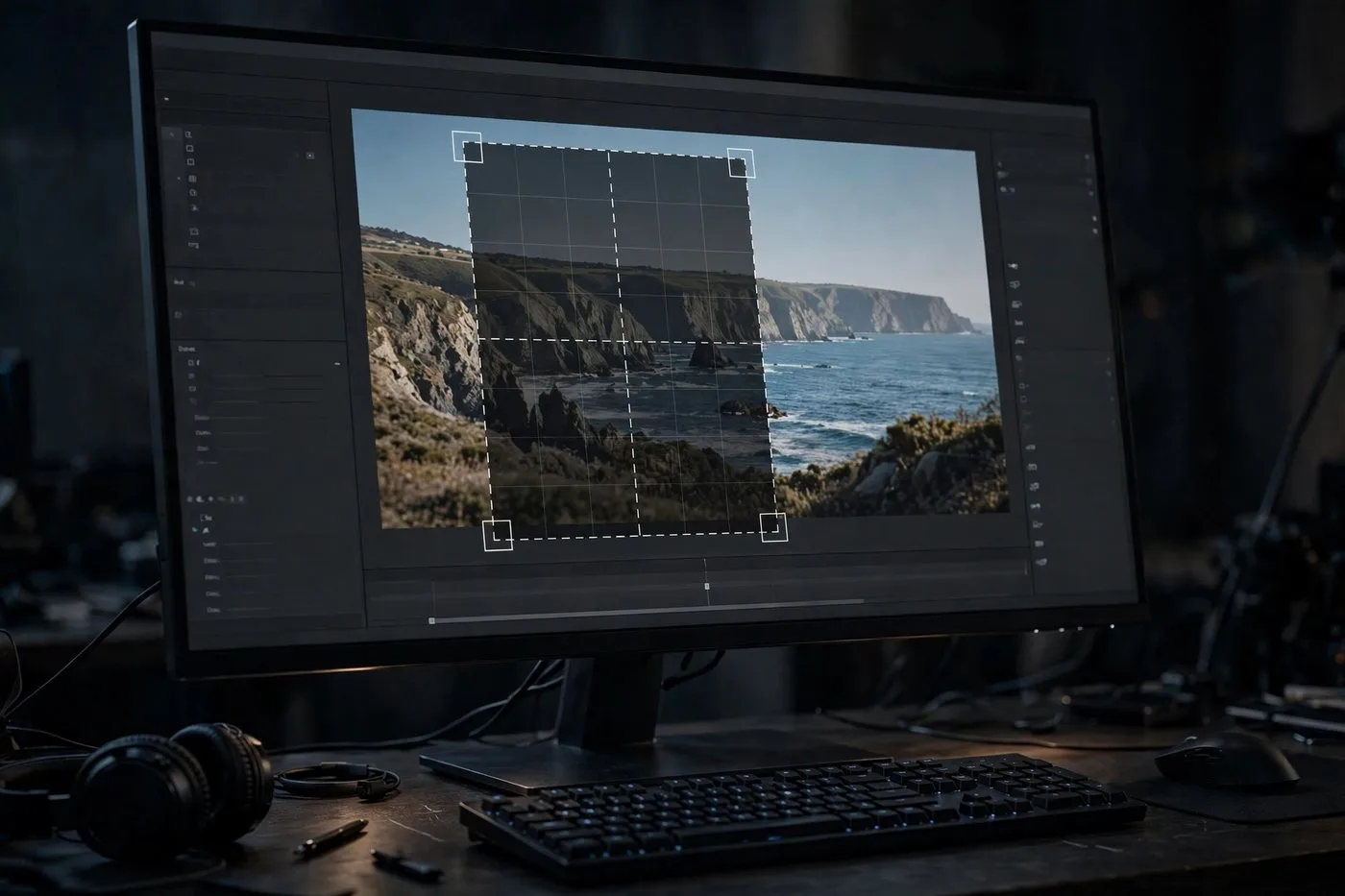
The layout that works: facecam large, gameplay filling the rest. In a 9:16 frame, stack them. Your reaction on top, the gameplay below it. People came for the moment, but they stay for your face. A tiny facecam in the corner of a vertical video is basically invisible on a phone.
Keep the important UI in frame. If it's a clutch moment, viewers need to see the kill feed or the health bar. Crop around the action, not randomly through it.
AI reframing handles facecam tracking automatically now, which genuinely helps on long streams where you lean in and out of frame. For the gameplay itself I still check every clip by hand, because the "action" isn't always where the loudest person is.
One more thing: export at 1080x1920, always. TikTok compresses everything anyway, so give it the cleanest source you can.
Step 4: Package it like a TikTok native
This is where most streamer clips die. The moment is great, the edit is fine, and then it's packaged like a Twitch VOD that got lost on the way home.
First frame rule: the first thing a viewer sees should be text that creates a question. Not your intro. Not "stream highlights 47". Something like "He had 1 HP and did THIS." The viewer needs a reason to keep watching before the video even starts moving.
Captions are non-negotiable. Most TikTok browsing starts with sound off, and stream audio is chaos: game sounds, alert sounds, you half-mumbling into your mic. Big, bold, centered captions. Every word.
Sound choice matters too. If your clip has a great natural audio moment, your scream, chat losing it, keep it. That's authentic and it performs. Don't slap a trending song over a moment whose audio is the entire point.
Hashtags: a few, not thirty. The game name, twitch, clips, one or two community tags. They help a little with categorization. They do not make bad clips good.
And watermark your handle in a corner, small. When a clip pops off and gets reposted, and the good ones will be, your name travels with it. That's advertising you don't have to post yourself.
Mistakes I made (so you don't have to)
Posting three-minute "highlights". TikTok is not YouTube. If it doesn't fit in under a minute, it's two clips or it's dead.
Forgetting captions on my first twenty clips. They averaged a tenth of the views of the captioned ones. A tenth.
Making the clip about the stream instead of the moment. "Come watch me live Tuesdays" is an ad, and ads get skipped.
Posting five clips in one day, then nothing for two weeks. The algorithm likes rhythm. I've learned to like rhythm too.
Leaving in the "sorry about the lag, chat" dead air. Cut everything that isn't the moment. Everything.
How often should you post clips?
One to three per day if you have the backlog, and you will have the backlog. A single four-hour stream usually hands me six to ten usable moments. That's a week of content from one night.
Don't dump them all at once. Spread them across the day: morning, afternoon, evening. Different posting times catch different scrollers.
And here's the mindset shift that changed everything for me: not every clip needs to be your best moment. Mid-tier moments posted consistently outperform perfect moments posted rarely. The algorithm needs reps to learn who likes your stuff. Give it reps. That's the whole point of the twitch to tiktok jump: volume of real moments, not one perfect video.
The full workflow, start to finish
Here's my actual routine after a stream:
- Pull the marked sections, or upload the VOD and let the AI find the spikes, about ten minutes.
- Review the AI drafts, trim dead air, kill the weak ones, keep the best, about twenty minutes.
- Check vertical framing on each keeper, fix the facecam size, about ten minutes.
- Add hook text to the first frame and verify captions, about fifteen minutes.
- Schedule one to three clips per day.
Total hands-on time: under an hour for a week of TikToks. My twitch to tiktok pipeline basically runs itself now, and my Twitch numbers climb while I'm asleep or at work. The stream is the factory. TikTok is the storefront. Stop leaving the storefront empty.
Try Klipya Free
Turn tonight's stream into tomorrow's TikTok clips. Your best moment deserves more than twelve viewers.
Start Clipping Streams →